Herramientas
Philly Streetz 2 Cheatsheet Controles
Mantén esta tabla abierta mientras tus manos aprenden muscle memory.
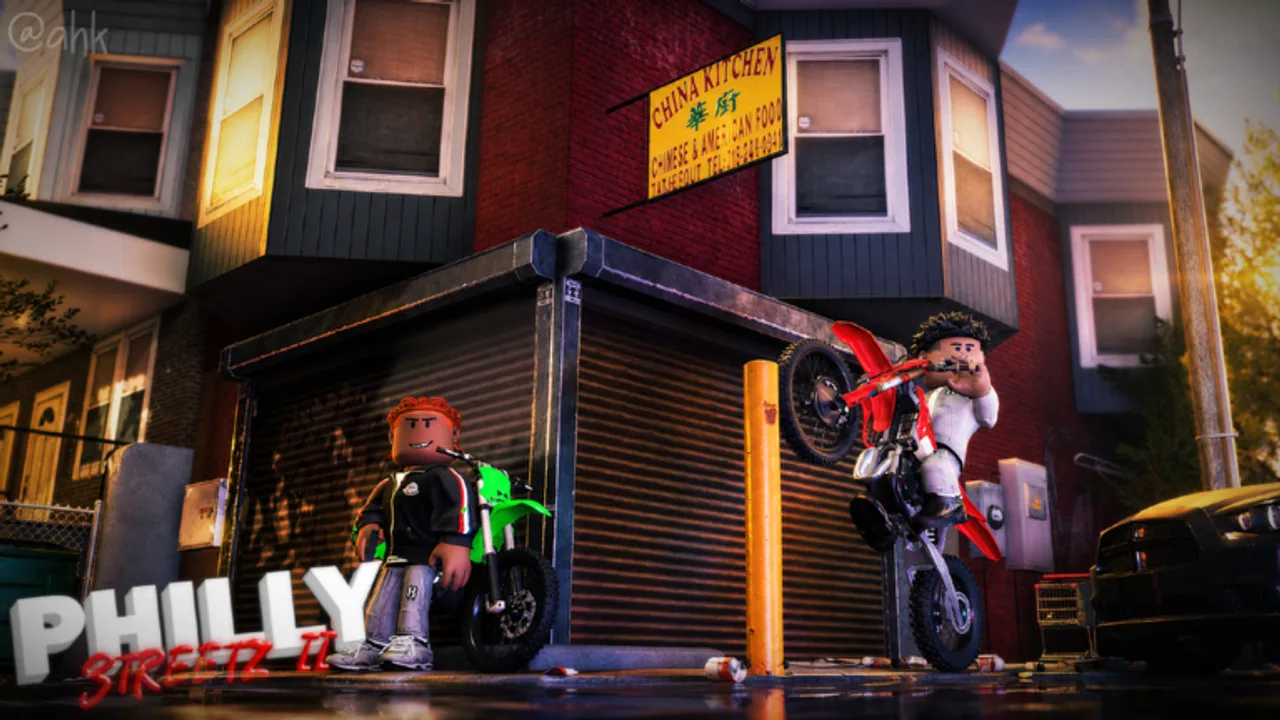
Usa este controls cheatsheet como referencia live. Para explicaciones y orden de training, lee el controls guide completo.
PC vs consola
| Action | PC | Console |
|---|---|---|
| Use tool / shoot | Left click | R2 |
| Sprint | Shift | L2 |
| Emote | M | D-Pad Up |
| Hang on cars | T | D-Pad Up |
| Crouch | C | D-Pad Down |
| Chamber tools | F | B |
| Wheelie / stick tricks | T / context | Left stick |
Warm-up 60 segundos
- Sprint entre dos sidewalks.
- Crouch-peek una esquina.
- Equip tool → chamber → dry aim.
- Hang en parked car once.
- Start real route desde make money.
Cuando inputs feel wrong
- Confirma no estás en menú.
- Re-chamber.
- Check FPS via reduce lag.
- Relee how to play si sigues en onboarding UI.
Relacionado
Weapons and combat, Loot and hustles, Tools hub, Guides hub.
FAQ
Preguntas frecuentes
Respuestas rápidas a las dudas más comunes de Philly Streetz 2.
¿Puedo remapear controles?
Roblox y capas device pueden allow remaps, pero learn defaults first para guides accurate.
¿Por qué D-Pad Up hace dos cosas?
Prompts context-sensitive comparten directions — emote menus y hang difieren por proximity.
¿Mobile igual?
Touch layouts varían. Use on-screen buttons; chart = PC/console primary.
¿Dónde deep-dive?
Controls guide bajo Guides para habits y training order.