How to Reduce Lag in Philly Streetz 2
Stabilize FPS and input so money routes and gunfights feel fair.
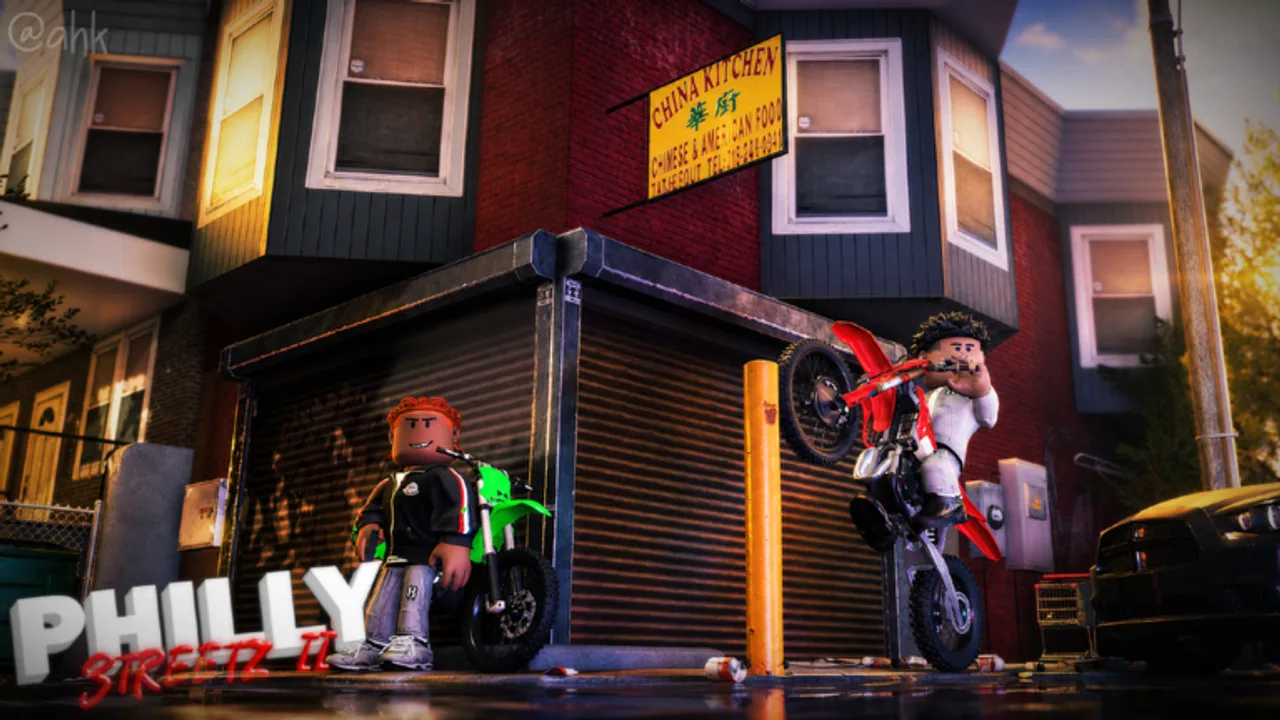
Lag ruins Philly Streetz 2 sessions: swipes fail, shots desync, and cars rubber-band. Console players (especially PS4) feel it first because dense city maps plus player clothing and guns are heavy. This guide gives a practical checklist plus a verified console video.
Quick diagnosis
- FPS lag — stuttering cameras, low frame rate in busy blocks.
- Network lag — rubber-banding, delayed hits despite smooth frames.
- Input lag — controls respond late even when FPS looks fine.
Each type needs a different fix. Do not only blame the game before testing your setup.
Console checklist (PS4 / console)
- Close background apps and rest mode downloads.
- Set Roblox / console output to a stable resolution and disable unused HDR tricks if they hitch.
- Move the console to ventilated space — thermal throttling feels like lag.
- Prefer wired Ethernet or a strong 5 GHz Wi-Fi channel.
- Switch to a less crowded server if a block is packed.
- Follow the embedded PS4 walkthrough step by step.
PC checklist
- Cap FPS to your display refresh for consistency.
- Lower shadows, crowd density, and post-processing first.
- Keep GPU drivers current.
- Exclude Roblox from aggressive overlays (multiple Discord + browser + recording stacks hurt).
In-game habits that reduce hitching
- Avoid stacking every cosmetic particle effect before a serious grind.
- Do not AFK in the densest landmark if you are already stuttering.
- Bank valuables (crib and storage) before testing graphic changes — crashes happen mid-tune.
When updates help
Some patches explicitly mention performance. Read updates and community notes after big drops. The “lag fixed” style showcases are useful signals but always re-test on your hardware.
Gameplay impact
Stable FPS improves controls timing, combat accuracy, and swipe hustles. Money guides assume you can actually steer — fix lag before blaming routes in make money.
Related
How to play, Tools cheatsheet, Links for support channels.
Frequently Asked Questions
Quick answers to the most common Philly Streetz 2 questions.
Does Philly Streetz 2 lag more on PS4?
Many players report heavier hitching on last-gen consoles in dense areas. The video on this page targets PS4 reductions.
Is lag always the game’s fault?
No. Network quality, thermals, and overlays cause a large share of issues.
Will a game pass fix lag?
No. Performance is a client/server issue, not a pass unlock.
Should I use scripts to remove lag?
Avoid random FPS unlock scripts from unknown sources. Stick to settings and network fixes first.